









Classic Sudoku Puzzle Mods Game


















How To Play Classic Sudoku Puzzle
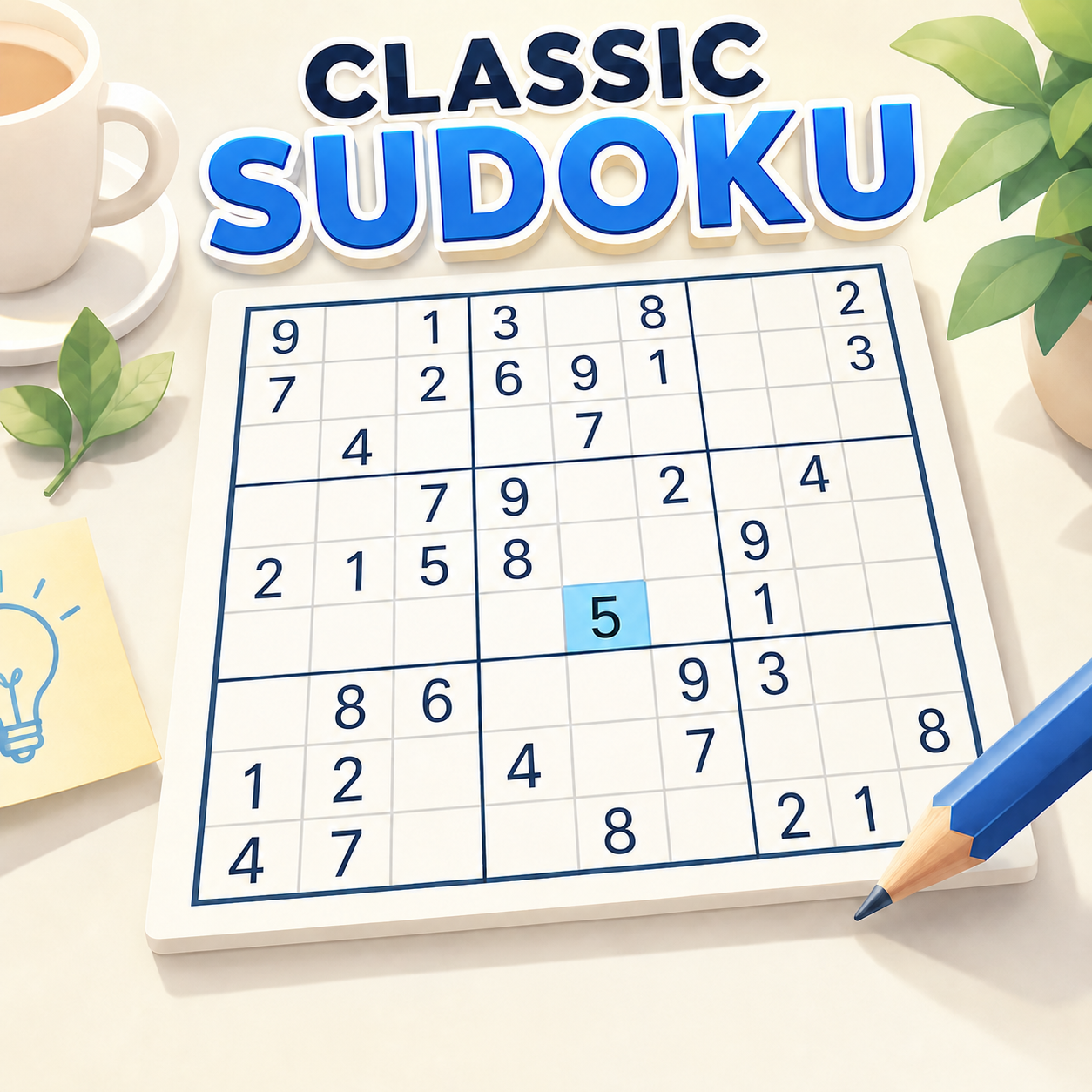
A Classic Sudoku Puzzle opens with a conventional nine-by-nine grid populated by a prearranged collection of given digits. These initial entries are far more than casual suggestions; they constitute the structural basis from which every subsequent value must be deduced. To insert a number, the player selects an empty cell and then picks a digit from one to nine using the number bar positioned conveniently on the screen. The game applies the fundamental principle of Sudoku: the digit chosen for any cell cannot already appear in that cell's row, column, or associated three-by-three box. The interface supports this process by illuminating the active row, column, and nearby cells whenever a selection is made, allowing the player to inspect all relevant values before finalizing the entry.
Logical reasoning remains the essential instrument for completing the puzzle. Rather than resorting to arbitrary guesses, a player should begin with the area that offers the greatest concentration of clues. The primary guideline is to examine rows, columns, or boxes that already contain the most filled digits. For example, if a row contains 1, 2, 3, 4, 5, 7, 8, and 9, then the sole empty cell clearly requires a 6. This straightforward deduction of the final missing digit through omission applies equally to any row, column, or box. When only one cell in a region is vacant, the solution is unambiguous and cannot be confused. In regions that are less completely populated, however, a more extensive elimination strategy is necessary. For each candidate cell, consider the digits present in all three overlapping zones: the row, the column, and the three-by-three box that intersect at that cell. If, after reviewing every zone, a particular number is absent from all of them and cannot be placed anywhere else under those constraints, that number can be confidently locked in as the correct value.
When several possibilities remain across multiple cells, the game includes a notation feature. This system enables the player to store potential candidates inside a cell without making a permanent commitment. These small annotations serve as temporary memory aids, much like pencil marks used in a physical Sudoku grid. This tool proves especially valuable on advanced difficulty levels. Consider a cell that, based on the current board state, could logically hold a 3, a 6, or a 9. Instead of relying on memory, the player can record those three options directly. As other cells are resolved elsewhere on the board, any of these noted possibilities that appear in the solved positions can be eliminated. The only reliable way to confirm the final value of a cell is to reduce its candidates until a single option remains.
Should the player reach an impasse, the game offers a hint function that reveals a correct digit. In addition, the undo and erase tools can remove an erroneous entry or clear an unwanted value. Random guessing has no legitimate role in this process: Sudoku logic is deterministic, and although the solution to a puzzle may not necessarily be unique in theory, any guess will eventually affect the mistake counter. Because the board permits only five errors before the run is placed in jeopardy, careful and methodical moves are essential. Take advantage of the visual highlight cues, use the notation system to monitor possibilities, and allow the layout of the grid to inform each placement. Once the final cell is filled correctly, the timer stops recording, the match is considered complete, and the player can subsequently attempt to achieve a faster time as a personal challenge.
Classic Sudoku Puzzle Wiki
Summary
Classic Sudoku Puzzle is a meticulously crafted digital rendition of the enduring number-placement logic game that has engaged players across generations. Each puzzle presents a conventional 9x9 grid, split into nine distinct 3x3 sections. At the start, a selection of cells is already occupied by fixed digits. The objective remains elegantly simple: fill every remaining cell so that the numbers 1 through 9 appear exactly once in each horizontal row, each vertical column, and each 3x3 block. No arithmetic is required; Sudoku is purely an exercise in logical deduction, careful observation, and recognition of patterns. The game depends neither on luck nor on quick reflexes, but rather on the methodical identification of constraints. For newcomers, the interface provides clear visual cues that highlight related rows, columns, and boxes. For experienced players, the familiar mechanics remain unchanged, offering the same deep concentration and strategic fulfillment found in the traditional format. Whether played on a desktop computer using a mouse or on a mobile device through touch input, this digital version preserves the essence of the original concept and delivers a clean, uninterrupted experience suited to both casual solvers and devoted enthusiasts.
Key Features
Classic Sudoku Puzzle incorporates a range of well-considered features aimed at maximizing clarity while staying true to conventional Sudoku logic. The standard 9x9 grid, divided into nine clearly marked 3x3 boxes, maintains the expected visual design. When a cell is selected, the interface emphasizes all related areas and numerical associations, offering direct support for the player's reasoning. The candidate Notes system is included as an essential tool, allowing players to track possible values without committing to a final entry. The straightforward undo, erase, and hint functions make it easy to correct errors and revisit previous decisions. A five-attempt mistake counter adds transparency and reinforces the importance of careful, deliberate deduction. A timer runs throughout the entire session, recording the time spent and helping players improve their solving speed over multiple attempts. Controls are adapted to the platform: desktop users operate with a simple mouse, while mobile users interact through touch gestures. Together, these elements create a focused, well-organized Sudoku experience that honors the classic game.
Precautions/Tips
As you strive for a flawless solution, keep a few essential considerations in mind. The player is generally allowed a maximum of five mistakes across the entire puzzle. This means that random guessing is not a viable approach. Rather than placing a number arbitrarily, examine a neighboring row or box and consider how existing placements can guide your decision. The process of elimination provides a smooth logical path. Make good use of the Notes system, but remember to update it regularly. Once a number is confirmed within a group, remove any leftover candidate notes in that same row, column, or box that are no longer possible. Incorrect entries made earlier will not clear themselves automatically. Avoid relying too heavily on the hint tool; it can certainly provide the answer when you are truly stuck, but using it before thoroughly exploring all possibilities diminishes the satisfaction of solving the puzzle. Ensure that every digit you enter satisfies all three conditions at once: it must not already appear in the row, the column, or the 3x3 box. Overlooking a single row after verifying only the column is a common mistake.
For any difficulty level, begin by resolving the simplest cases, such as single candidates and intersection-based deductions, before moving on to more intricate sequences. Working in pairs or small groups can be helpful; repeatedly scanning the board will eventually make the missing value obvious. Use the highlighting feature as a reliable guide to confirm your choices. The more consistently you succeed, the more favorable your timer reading will become, allowing you to progress further. Thinking of stopping midway? The game does not explicitly indicate whether progress is saved, so it is wise to finish a puzzle once started, if only for the sake of completeness. Remember this: Sudoku is as much a test of patience as of logic; a disciplined and steady approach leads to victory without unnecessary confusion.
Finally, if you find yourself stuck near the end, revisit every subsection until you locate a single empty cell. You should always be eliminating possibilities, never guessing. The next number can almost always be found in another part of the grid. Quiet observation, careful evaluation of potential conflicts, repeated placement, and the timely use of a chosen digit are the foundations of a perfect solve. Take time to become familiar with the layout and the controls. Then focus your attention: this is an excellent exercise for the mind, and this adaptation serves the classic game well.
Classic Sudoku Puzzle Frequently Asked Questions
Q: What is the aim of Classic Sudoku Puzzle?
A: The objective is to populate every blank cell on a 9x9 board while guaranteeing that each horizontal row, vertical column, and 3x3 block contains the digits 1 through 9 exactly once, with no duplicates.
Q: How is the Sudoku grid arranged?
A: The playing field consists of nine distinct 3x3 subgrids. At the beginning, a set of numbers is already provided as clues, and the player must complete the remaining empty positions.
Q: What three rules govern where a number can be placed?
A: A digit is considered valid only if it does not already occur in the same row, the same column, or the same 3x3 block as the target cell.
Q: How many incorrect entries are permitted during play?
A: The game enforces a maximum of five errors. Each wrong entry raises the Mistakes counter, and if that limit is surpassed, your current attempt may be put at risk.
Q: Is your solving time measured by the game?
A: Yes, a built-in timer tracks the duration of your solving session, enabling you to compare your completion times as your proficiency with the puzzle improves.
Q: What purpose does the Notes function serve?
A: The Notes mode allows you to jot down possible candidate digits inside a cell without committing them as final placements. This is especially helpful when two or three numbers remain plausible, and you can gradually remove candidates as neighboring cells are solved.
Q: Which board-management tools are available to the player?
A: The interface includes number buttons from 1 to 9 for entering digits, Undo to revert your most recent action, Erase to delete a number you have placed, Notes for recording candidates, and Hint for receiving guidance.
Q: How does the Hint feature operate?
A: The Hint tool offers assistance whenever you are unable to determine the next logical move on your own.
Q: What are the controls for desktop and mobile devices?
A: On a desktop computer, you can use the mouse to select cells and press interface buttons. On a mobile device, simply tap the desired cell and then tap a number on the touchscreen.
Q: How can you spot numbers that are forced into a cell?
A: When a row, column, or 3x3 block is short by only one digit, you can deduce the answer by reviewing the numbers already present. For more difficult situations, examine which digits are ruled out by all three overlapping zones around a cell; if only one candidate remains, that digit can be entered with confidence.
Q: What should you do if you reach a dead end?
A: Instead of inserting a random number, shift your attention to another section of the board. Completing a single cell elsewhere may eliminate a candidate and expose the next logical step.
Q: In what way does the game highlight cells to aid your reasoning?
A: The currently selected row, column, and associated cells are emphasized, which makes it simpler to compare digits across the entire grid.
Q: Is it possible to reverse or remove your entries?
A: Absolutely. The Undo tool cancels your latest move, while the Erase tool clears a digit that you have previously entered.
Q: What is the suggested approach for tackling the puzzle?
A: Sudoku relies on logical elimination rather than arithmetic. Begin by focusing on rows, columns, or 3x3 blocks that already contain many filled digits, and search for forced numbers. Use Notes for uncertain cells, and refrain from making arbitrary guesses.
Q: What are the standout characteristics of Classic Sudoku Puzzle?
A: The main features include a standard 9x9 Sudoku board, nine clearly separated 3x3 boxes, highlighted rows/columns and related numbers, a candidate Notes system, Undo/Erase/Hint tools, a mistake counter, and a timer that records your solving time.